 Palm Court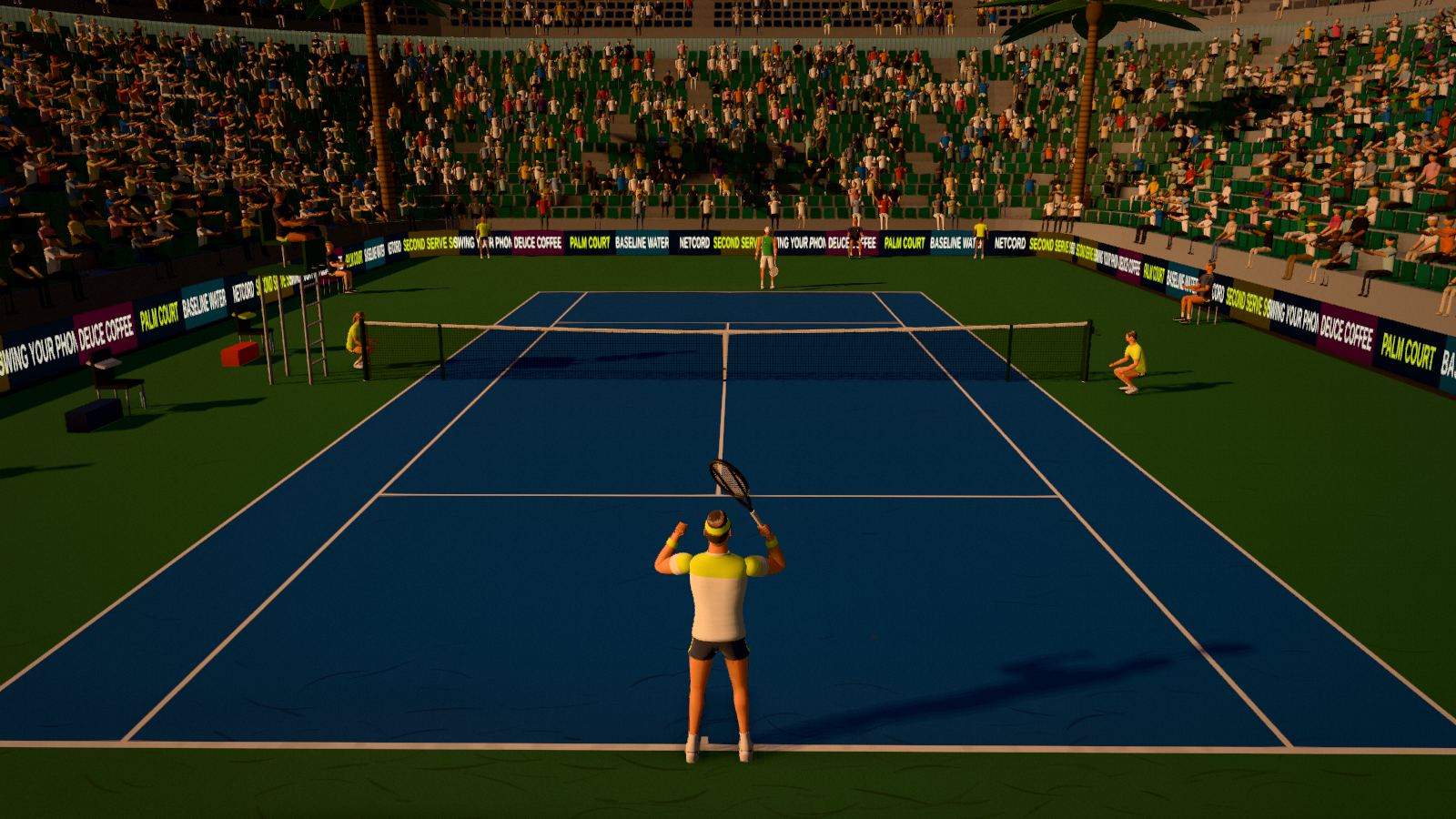
Free browser tennis
Palm Court
Swing your phone like a racket, or your hand at the webcam. Your player runs to the ball. You just swing.
- No download
- No account
- Phone, webcam or mouse
- Play a friend online
How you play
Four ways to swing
Pick whatever you have to hand. The game handles the footwork, so every control is about one thing: the timing and shape of your swing.
Phone racket
Your phone becomes the racket handle. Its motion sensors read every swing, with no app to install.
- Choose Phone in the game and scan the code with your phone.
- Tap Start and allow motion access.
- Hold it tight, give yourself room, and swing.
Your hand
Hand tracking follows your racket hand through the webcam. It runs on your computer: the picture never leaves it.
- Choose Hand and allow the camera.
- Stand about 2 m back, with a light in front of you.
- Swing across your body. Raise your hand to toss a serve.
Ping-pong paddle
Hold a brightly coloured paddle to the webcam and the game locks onto its colour. Fast and steady, even in dimmer rooms.
- Choose Paddle and allow the camera.
- Hold the paddle face in the circle and lock its colour.
- Swing. Red or blue rubber works best.
Mouse & keys
Click or tap to swing and flick the mouse first for power. On the keyboard, Space swings, Shift+Space hits harder and S slices.
- Choose Mouse.
- Watch the Forehand / Backhand cue.
- Time the click as the ball arrives.
Timing aims the shot: swing early to pull it cross-court, late to send it down the line. Low-to-high adds topspin, high-to-low slices, and a faster swing hits harder (and misses more). Full guide, camera tips and troubleshooting.
What’s in the game
Real tennis, in a browser tab
Your swing, your shot
Pace, spin and direction come from how and when you swing: flat drives, heavy topspin, slices, lobs and serves you toss yourself.
A tour of rivals
Five fictional pros, each with their own game: counter-punchers, big hitters, net rushers and drop-shot artists. Pick Rookie, Club or Pro difficulty.
Play a friend online
Create a match link, send it, and play each other in real time. No sign-up, nothing to install.
Three surfaces, three lights
Hard, clay and grass courts that bounce and slide differently, played by day, at golden hour or at night under the floodlights.
Broadcast presentation
TV cameras, a live scoreboard, instant replays of the big points and a line review on the close calls, in a stadium full of fans.
Progress that sticks
Level up, earn Fuzz, unlock courts, pros and kit in the Pro Shop, and chase daily challenges, achievements and a World Tour title. Progress saves in your browser.
The tour
Meet the pros
Play as one of them, or as yourself, and take on the rest. Each moves, serves and celebrates in their own way, and the CPU plays their style.
 Luka Varga
Elastic defence and the best return in the game. Slides into splits on any surface and makes you hit one more ball.
 Mateo Rivas
Heavy lefty topspin and relentless legs. Bandana, sleeveless shirt and a long list of rituals before every serve.
 Julian Adler
A one-handed backhand and an all-court attack. Glides to the net and makes the hard shots look easy.
 Luca Ferro
Flat, early ball-striking and raw pace. Stands on the baseline and takes the ball on the rise.
 Tomas Aranda
Explosive speed, drop shots and variety. Never plays the same point twice.
Every player in Palm Court is fictional. Any resemblance in playing style to real players is a tribute to the sport.
Questions
Before you play
Is Palm Court really free?
Yes. The browser version is free to play, with no account and no download. It shows a few ads between matches, which is what keeps it free. There are no in-app purchases: everything in the game is earned by playing.
Do I need a webcam or a phone?
No. You can play with a mouse or the keyboard. A phone (used as the racket) or a webcam (tracking your hand or a ping-pong paddle) makes it feel like real tennis.
Does the camera record me?
No. Camera frames are analysed on your own computer, in the page, and thrown away. They are never uploaded, recorded or saved. Read the privacy policy.
Which browsers work?
Current versions of Chrome, Edge, Firefox and Safari on a computer. Chrome and Edge give the smoothest webcam tracking. The phone racket works in the phone’s own browser.
Is there multiplayer?
Yes. Create a match link, send it to a friend and play each other in real time. Neither of you needs an account.
Coming to Steam
Palm Court on Steam
A full release for Windows is on the way, with no ads. Wishlist it to hear when it launches. The browser version stays free.